
Sales prospecting
Sales prospecting software that turns a list into meetings
A prospect list is worth nothing until someone calls it. CRMlead keeps the list separate from your pipeline: you import the file, you qualify each row, and a lead is only created when a row deserves a follow-up. The pipeline stays clean and prospecting moves forward.
Prospecting lists outside the pipeline
Import a CSV or Excel file of up to 20,000 rows. Columns are recognised automatically and can be corrected later without losing any data: the file is kept intact. Importing a list creates no leads.
Each list is assigned to a team member and shows its progress: how many rows are done, how many remain. A finished list can be archived.
- CSV or XLSX, up to 20,000 rows
- Column mapping you can correct
- One list per campaign, assigned to a salesperson
Qualify row by row
You go through the rows one by one. Each one becomes qualified, rejected, to call back or skipped. A qualified row becomes a lead in the pipeline, with its next action. Rejected rows never clutter your CRM.
No need for qualification? You can also import straight into leads, with a preview and duplicates flagged before the import.
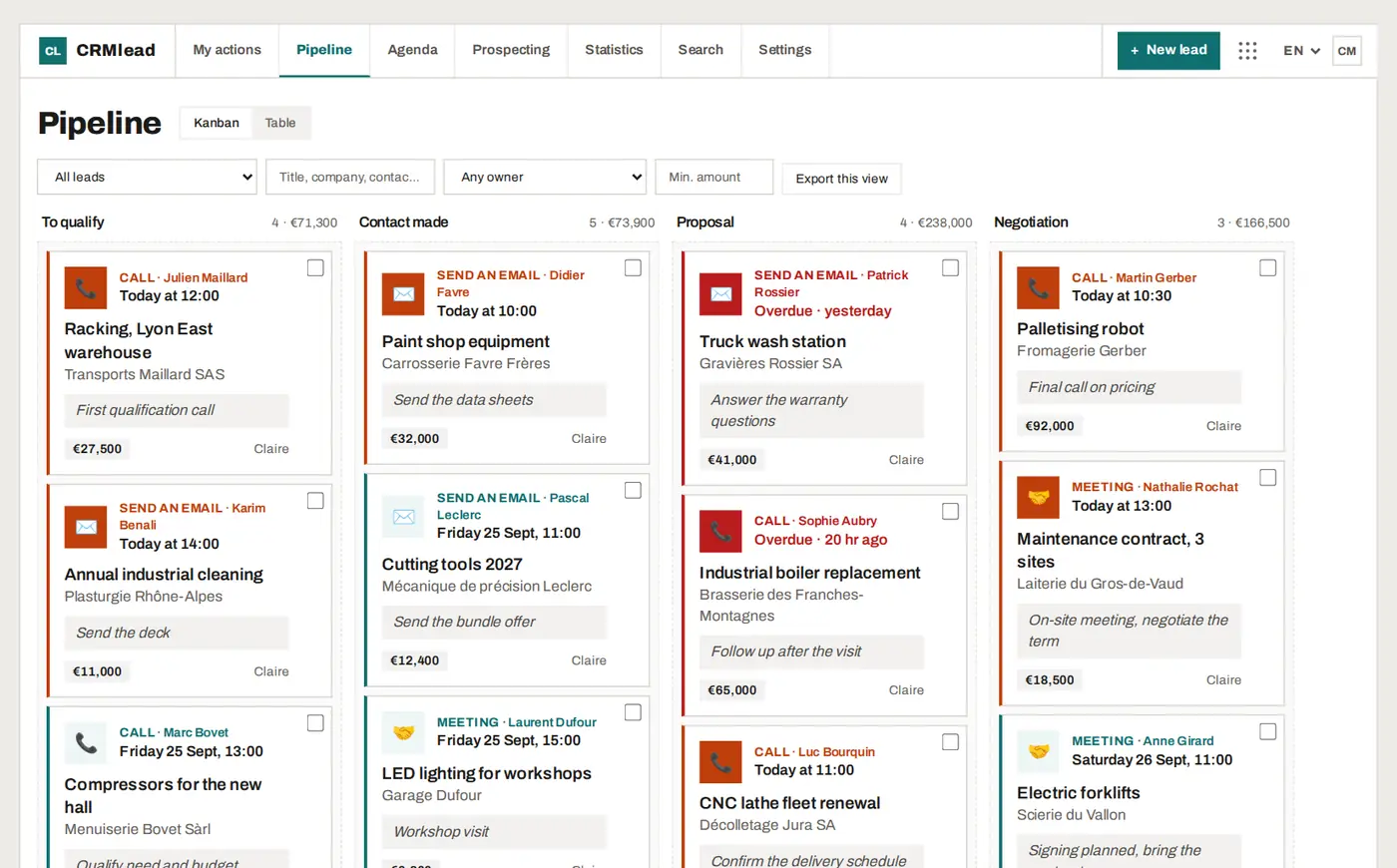
The call queue: one call after another
The call queue gathers the calls planned until tonight, overdue ones included. For each one: the outcome of the call, a note, then “What's next?”: tomorrow, in 3 days, in a week or another date. Saving moves you to the next call.
Reminders arrive as notifications on your phone, and the follow-ups from a large import are spread over working days rather than piling up on Monday.
- Today's calls and overdue ones in a single queue
- Next follow-up in one click
- Email sequences that stop when the prospect replies
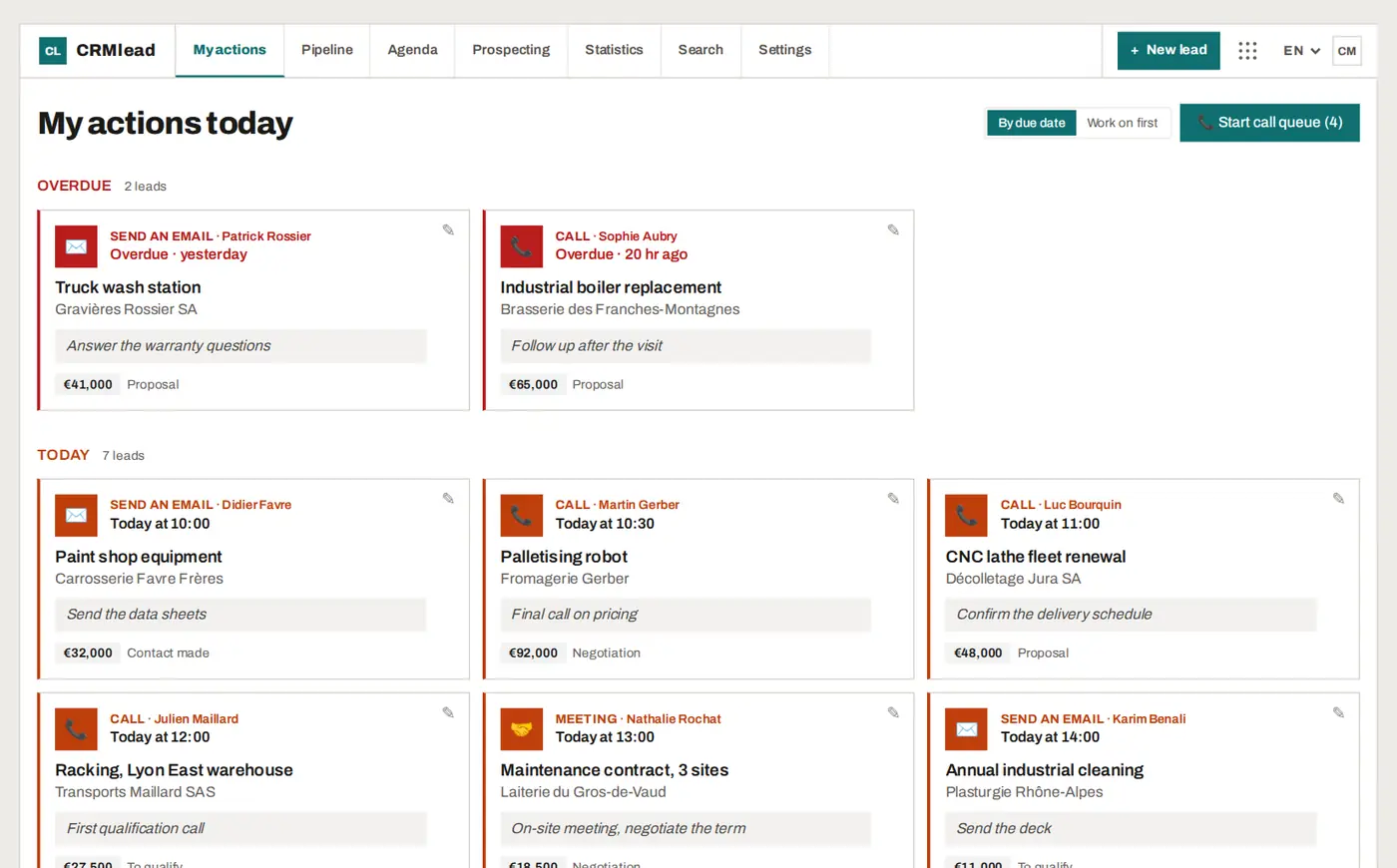
From first call to meeting
An interested prospect picks a slot on your online booking page: they receive the confirmation and the invitation for their calendar, and you find the meeting in yours, linked to their lead.
The AI assistant, open in a corner of the screen, reads your leads and answers your questions (“what are my overdue actions?”, “summarise my pipeline by stage”). When you ask it for a change, it prepares a “To confirm” card that shows everything that will be written: one click on “Confirm” applies it. Several changes fit in a single card, applied in full or not at all.
FAQ
Do list rows count towards the 50 free leads?
No. A prospecting list lives outside the pipeline: only qualified rows become leads.
Does CRMlead provide prospect databases?
No. CRMlead works on your own lists, imported as CSV or Excel. It neither sells nor provides contact data.
Can several salespeople prospect at the same time?
Yes, with Pro+ (up to 5 users, €39 a month excl. VAT): each list is assigned to one person.
Does the prospecting software work on a phone?
Yes. CRMlead installs from the browser onto your phone's home screen, with no app store, and sends reminders as notifications.
Your next list deserves better than a spreadsheet.
Import it into CRMlead for free and qualify the first row in a minute.