
CRM for Gmail and Outlook
The CRM for Gmail and Outlook that files your emails for you
You sell by email, so your CRM has to read your mailbox. In CRMlead you connect Gmail, Microsoft 365, Outlook.com or any IMAP mailbox, and the conversations with your contacts appear on their lead, with no copy and paste and no BCC.
Connect your mailbox in a few clicks
Gmail and Microsoft 365 (Outlook) connect in one click, with no password, through Google's or Microsoft's official sign-in. For other mail services, CRMlead usually recognises the settings on its own; all that is left is an app password to paste.
Only conversations with a known contact are imported: your personal emails never end up in the CRM. Disconnecting the mailbox leaves the emails already filed in place.
- Gmail, Microsoft 365, Outlook.com, IMAP
- Only conversations with your contacts
- Attachments filed in the lead's folder
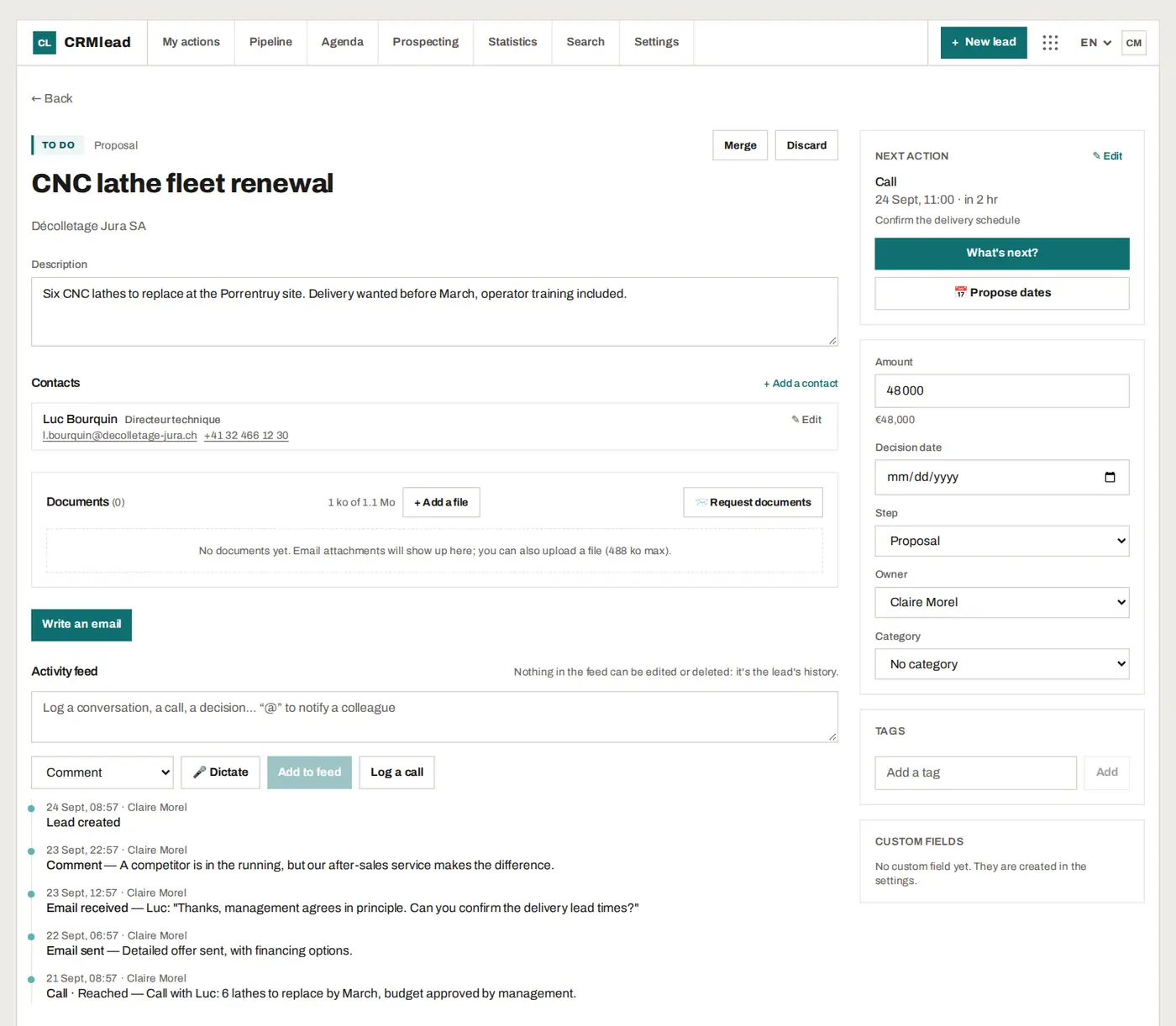
Reply from the CRM, from your own address
Your emails go out from your own address, in the customer's thread: they reply to you as usual. An email can be scheduled, and cancelled until it has gone. Email templates and your signature are set once.
Sequences follow up a prospect over several spaced-out emails, and stop as soon as they reply.
The AI reads the conversation for you
As soon as an email arrives on a lead, the AI can summarise the conversation, suggest the next action and prepare a reply draft that waits on the record. The draft leaves “to complete” markers wherever information is missing: nothing goes out without your review.
The AI assistant, open in a corner of the screen, reads your leads and answers your questions (“what are my overdue actions?”, “summarise my pipeline by stage”). When you ask it for a change, it prepares a “To confirm” card that shows everything that will be written: one click on “Confirm” applies it. Several changes fit in a single card, applied in full or not at all.
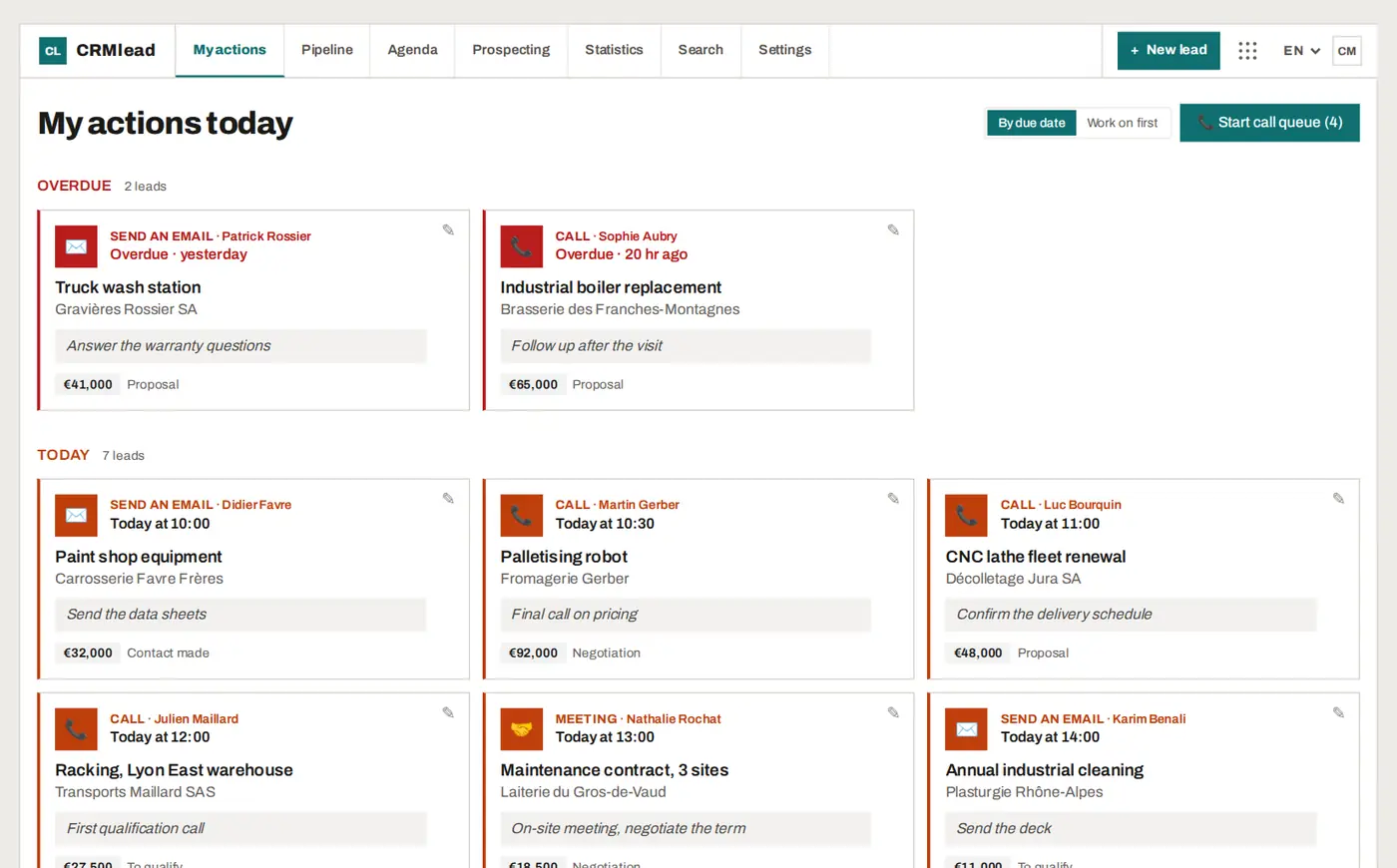
Your Google or Outlook calendar up to date
Your Google or Outlook calendar can show your CRMlead actions and meetings through a simple subscription. Your online booking page shows your free slots: the customer picks one and receives the confirmation and the invitation for their calendar.
FAQ
Is CRMlead a Gmail extension or an Outlook add-in?
No. CRMlead is a web app: you connect your Gmail, Microsoft 365 or IMAP mailbox once, and emails appear on your leads, with nothing to install in your mail client.
Is connecting a mailbox free?
Yes. Every feature is in every plan, including the free plan up to 50 leads.
Does CRMlead read all my emails?
No. Only conversations with a known contact from your leads are imported.
Are my emails used to train an AI?
No. No AI training on your conversations, no resale of data. AI can also be switched off for the whole account.
Your mailbox deserves a CRM.
Create your free account and connect Gmail or Outlook in a minute.